Your playlists,
on every screen
Add the M3U, Xtream Codes or MAG playlist from your IPTV provider and watch live TV, movies and series beautifully organized on your phone, tablet and Android TV.
Mind IPTV Player does not provide any channels or content. You add your own playlist.
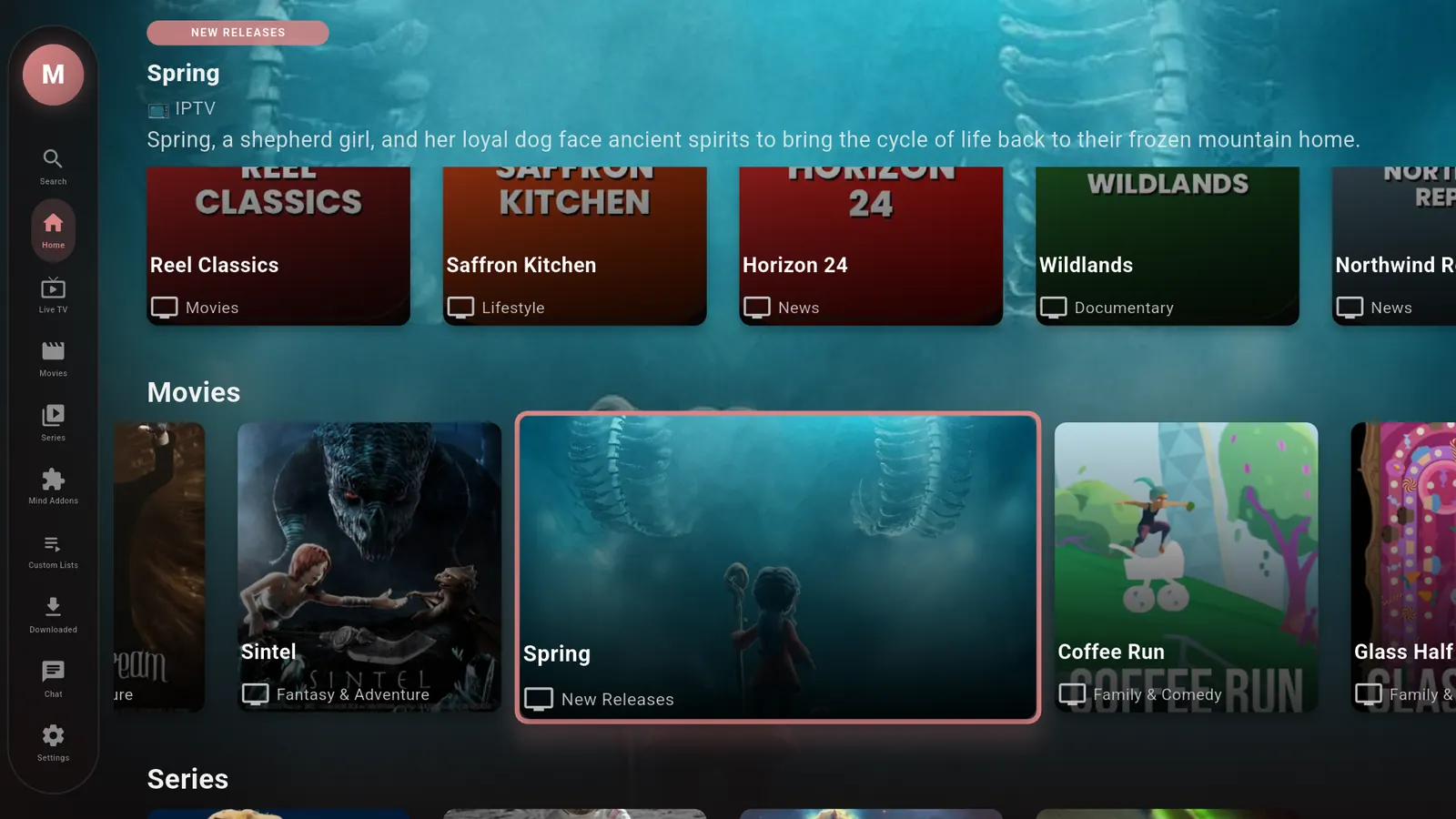
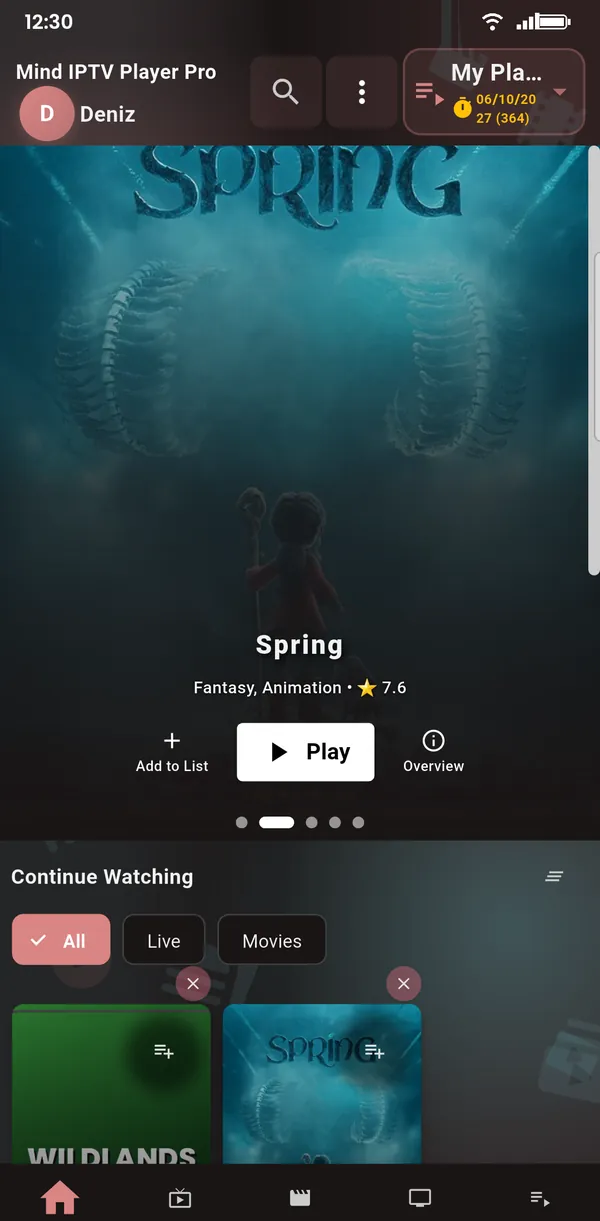
See it in 36 seconds
Everything you need to enjoy your playlist
Fast, tidy and made for every screen in your home.
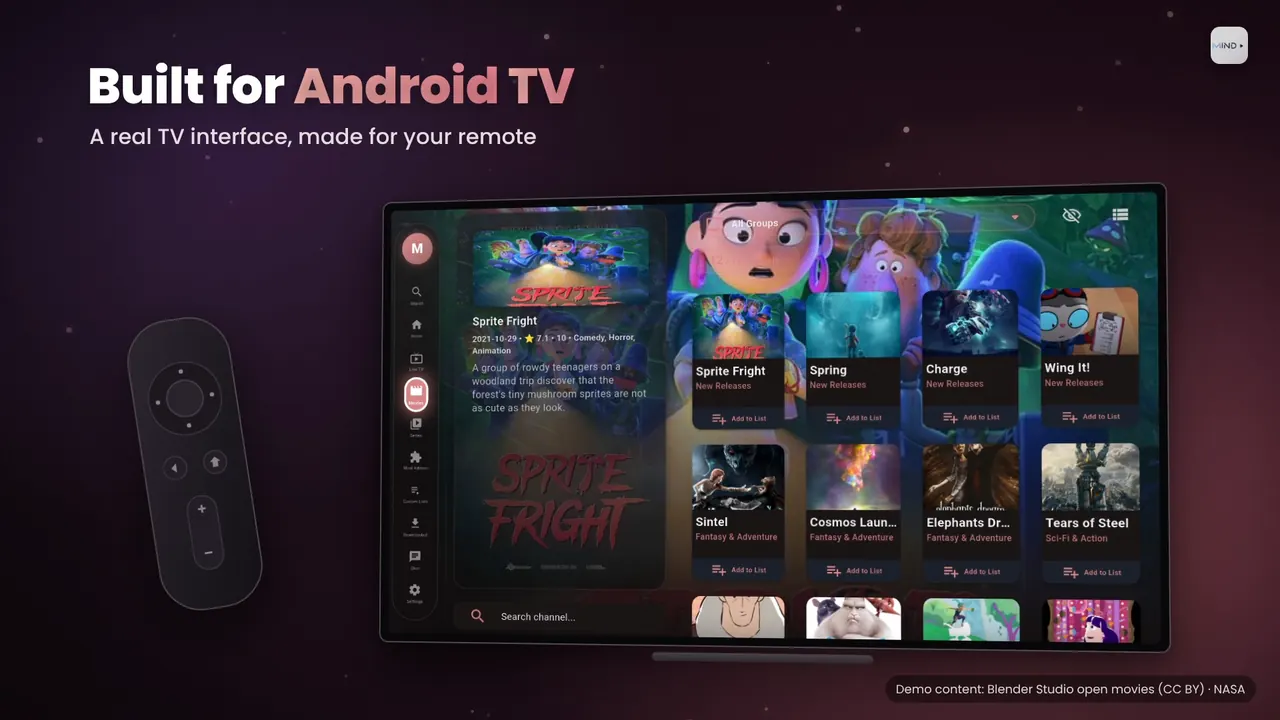
Built for Android TV
A real TV interface made for your remote, not a stretched phone app.
- Smooth D-pad navigation on every screen
- Works with Android TV, Google TV and Android TV boxes
- Channel preview while you browse
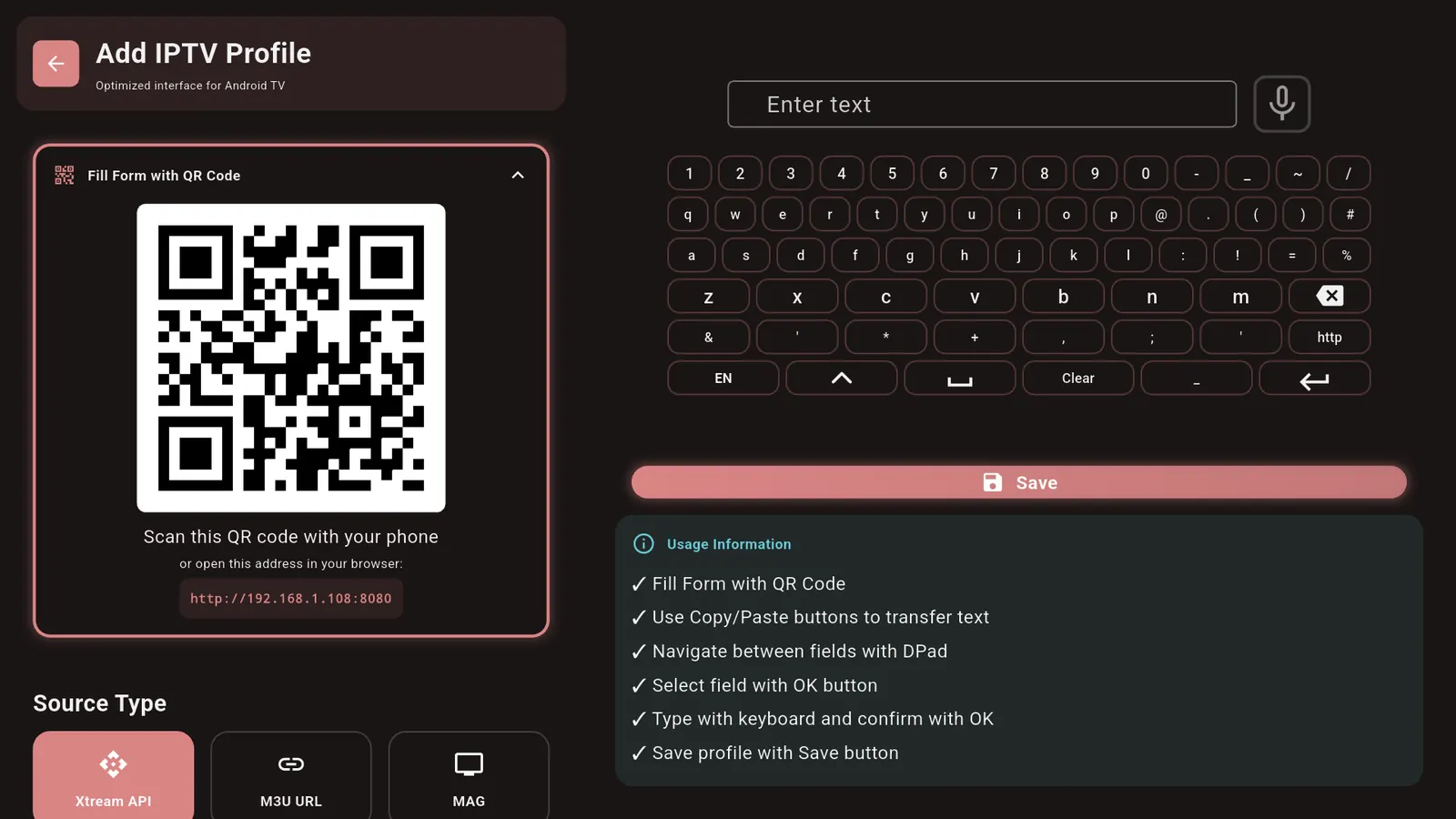
- Add your playlist by scanning a QR code with your phone
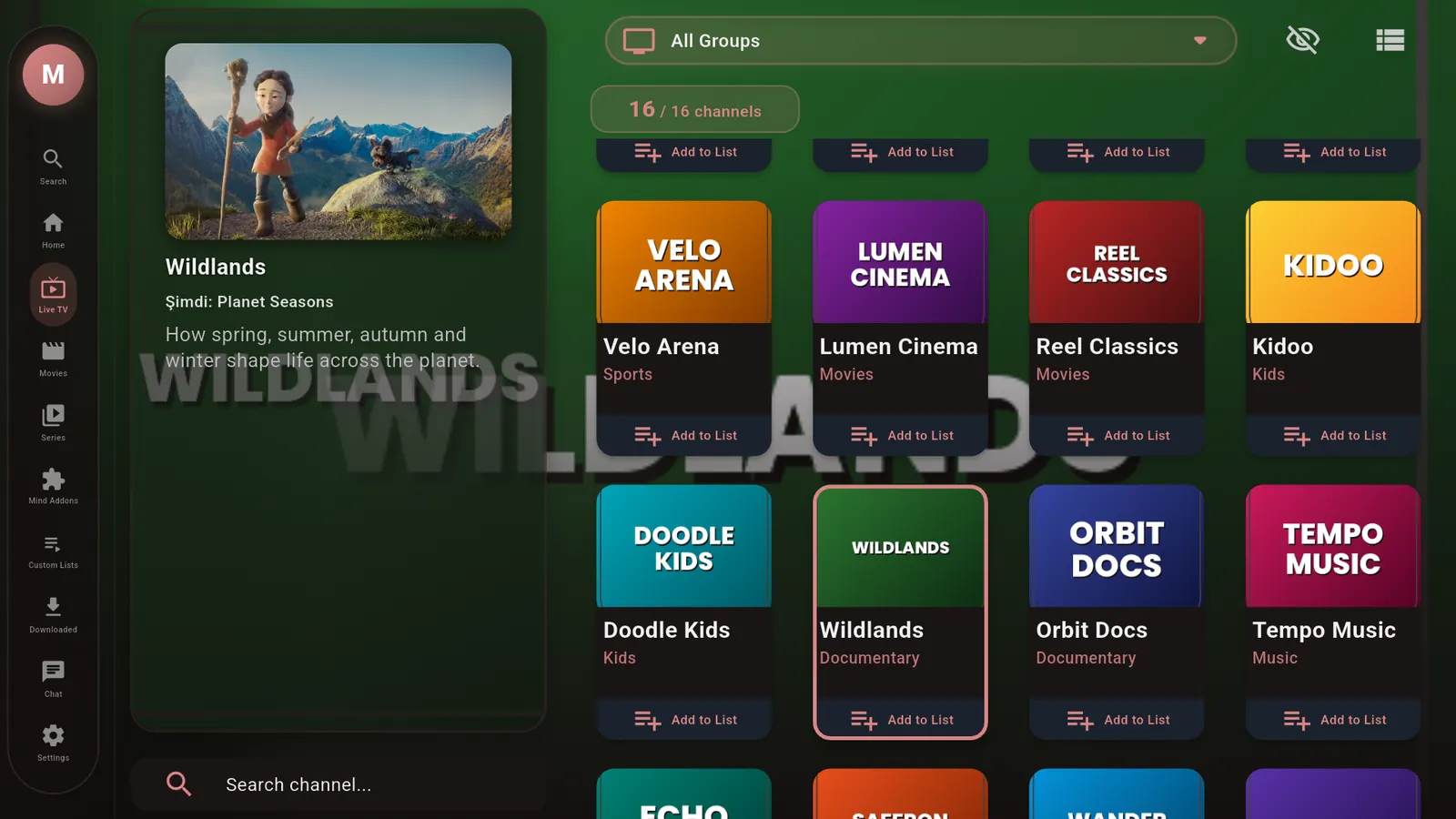
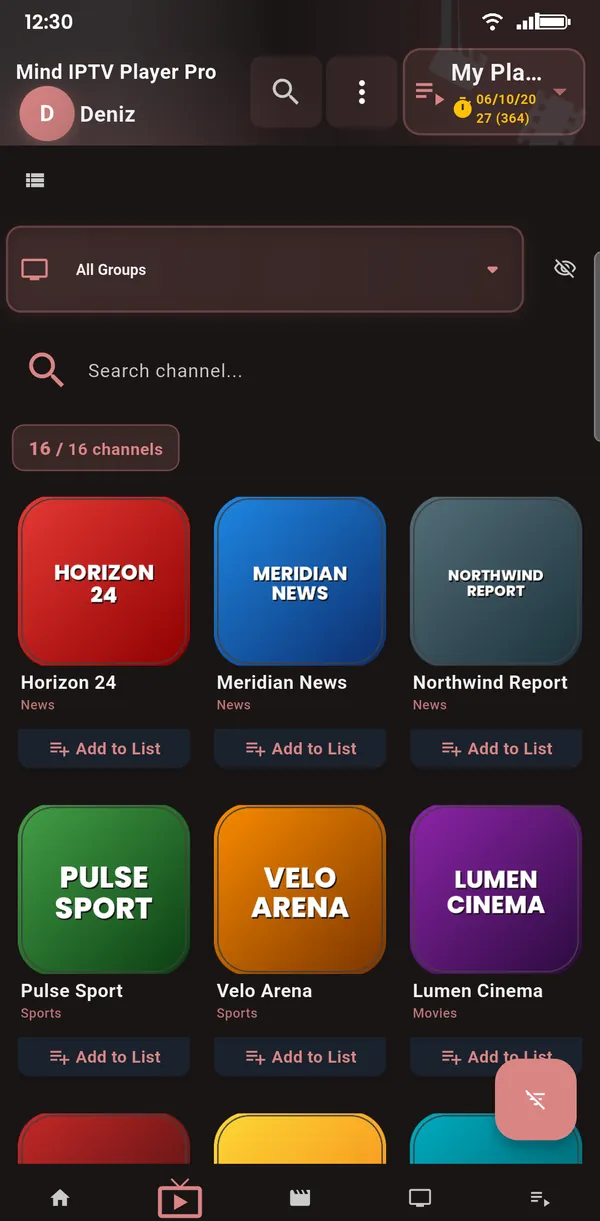
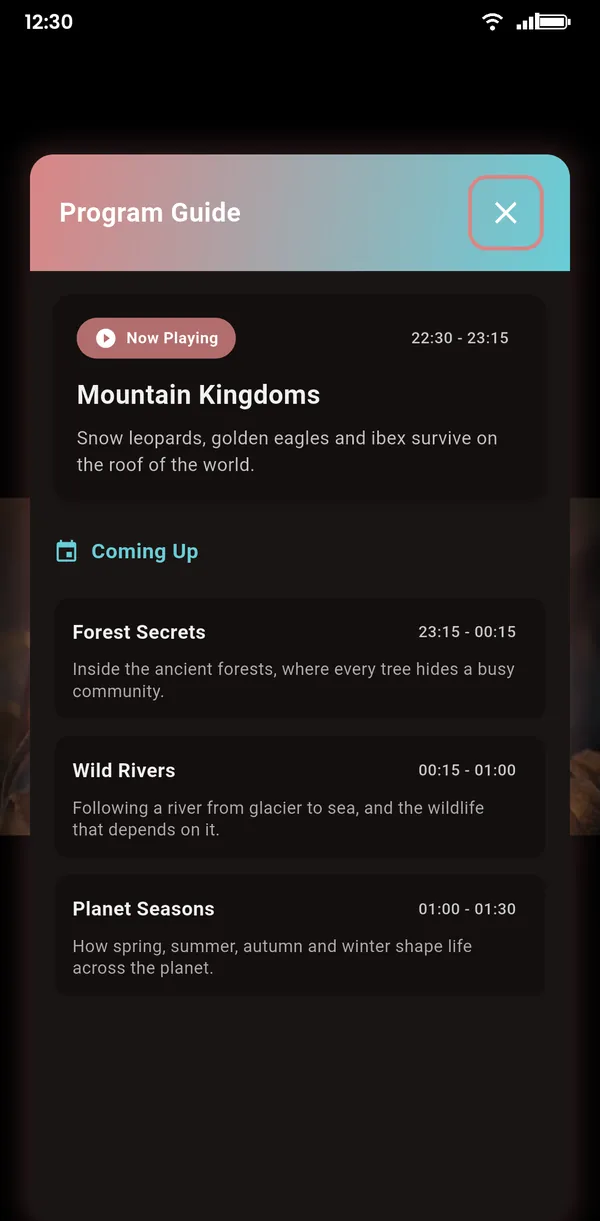
Live TV with a TV guide
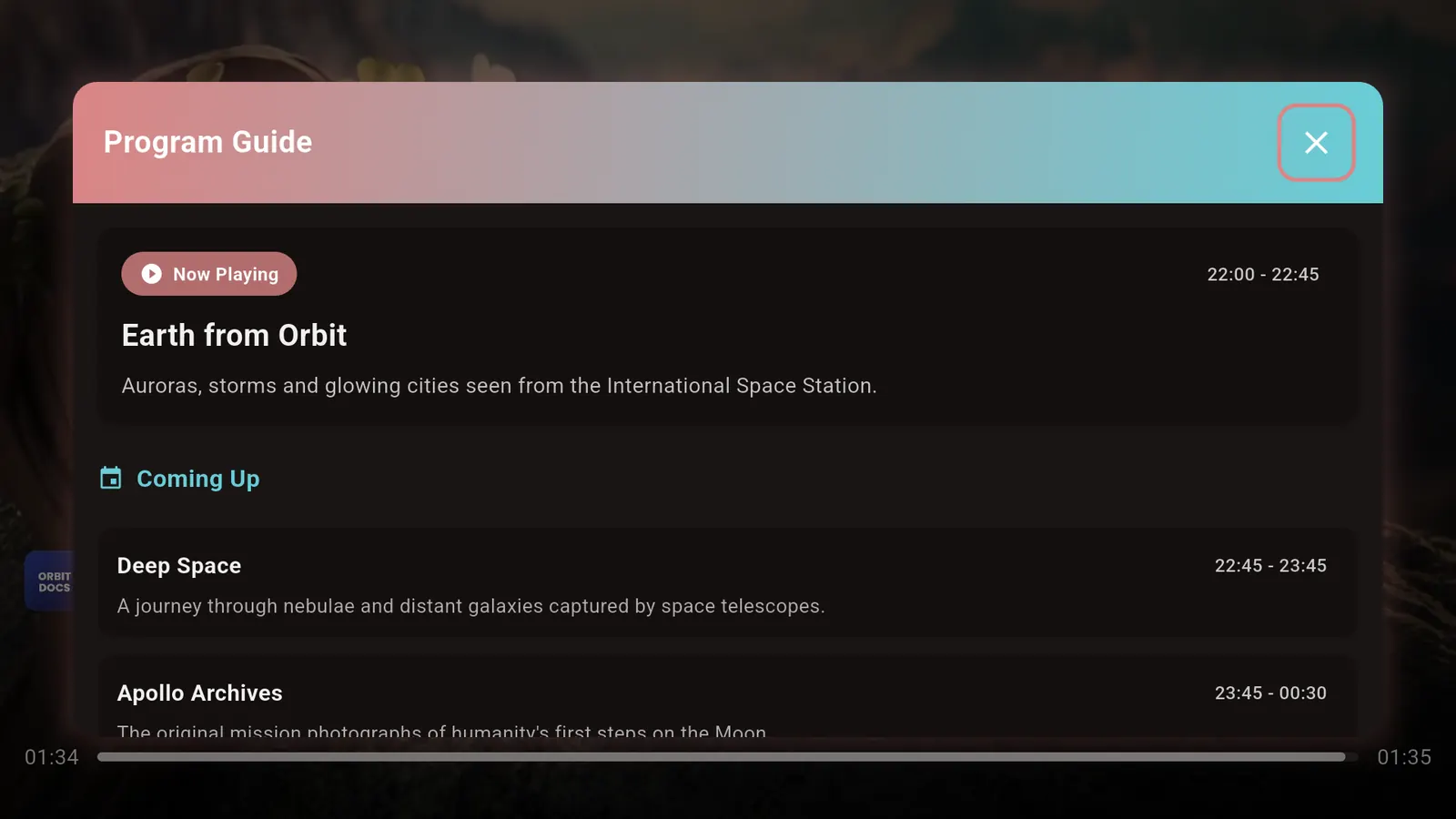
See what's on now and next at a glance, with channels neatly grouped.
- EPG (XMLTV) TV guide: now and next
- Catch-up / archive when your provider supports it
- Fast channel switching
- Favorites for quick access
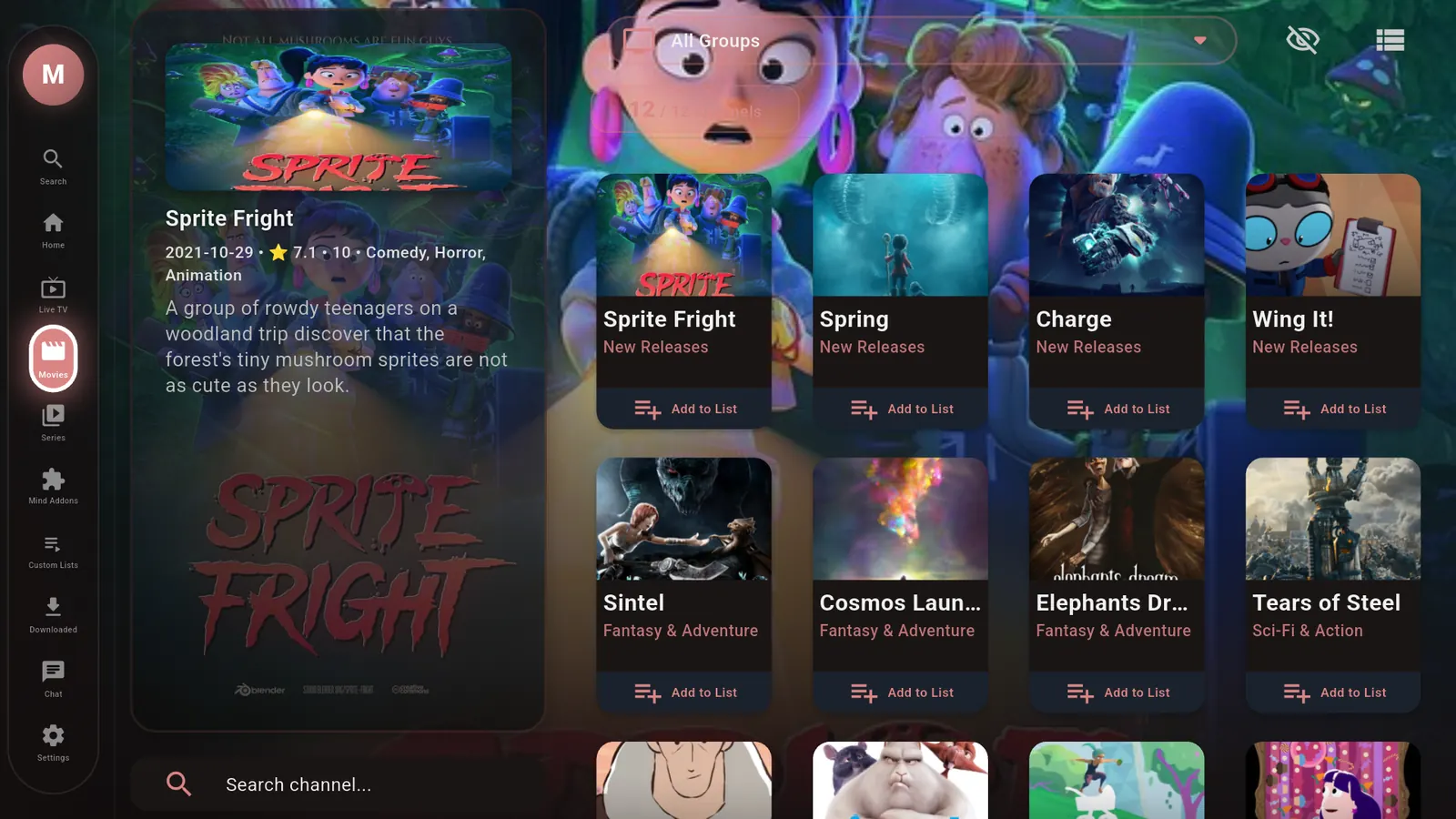
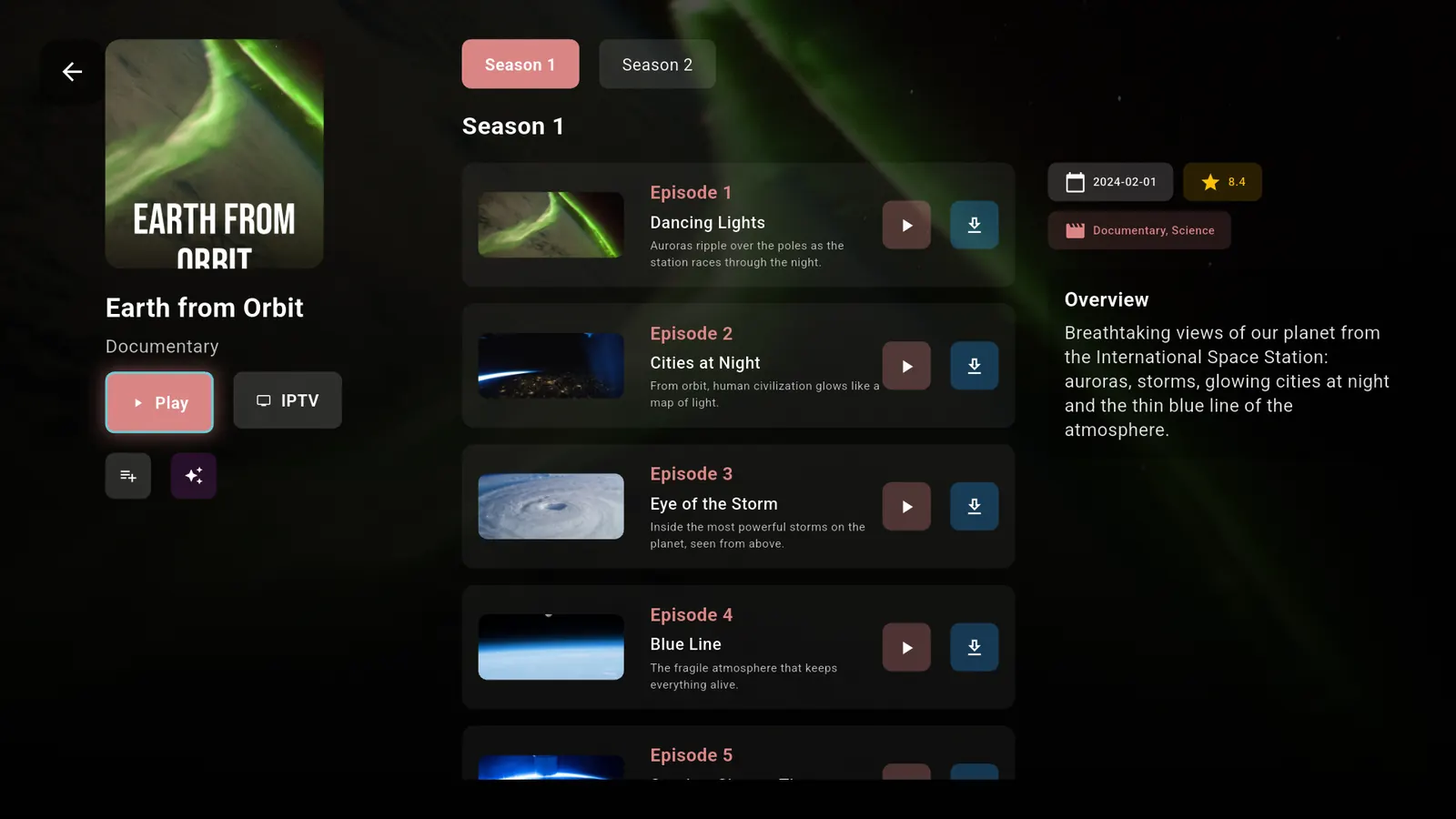
Movies & series, beautifully organized
The movies and series in your playlist, in tidy catalogs with posters, descriptions and ratings.
- Resume where you left off
- Season and episode tracking
- Fast search, even in huge playlists
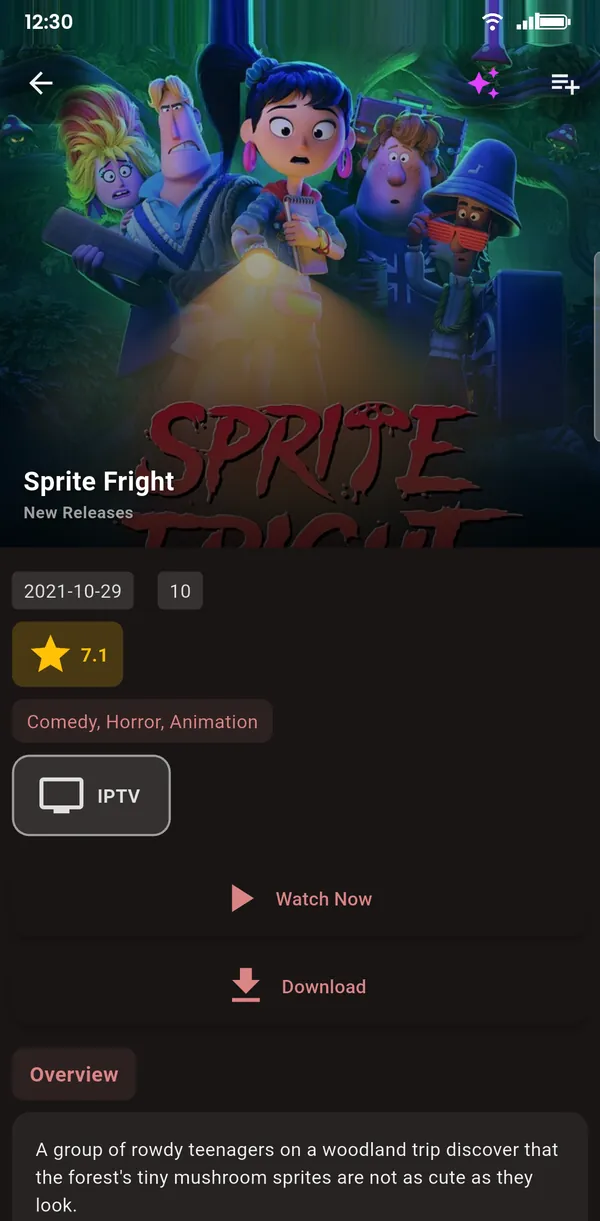
Powerful player · 4K · HEVC
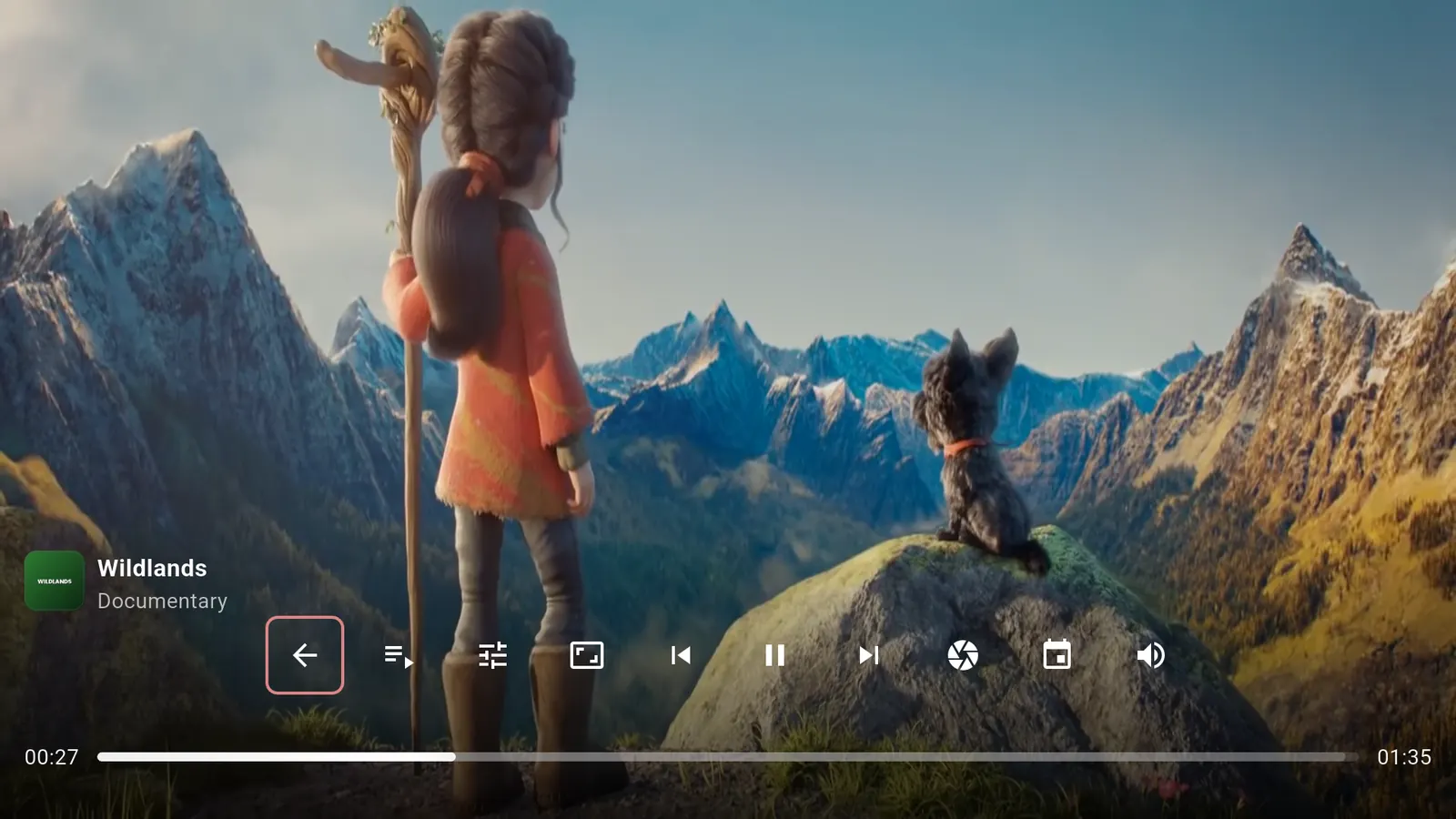
Smooth, hardware-accelerated playback for live channels, movies and series.
Picture-in-picture and background playback are Premium features.
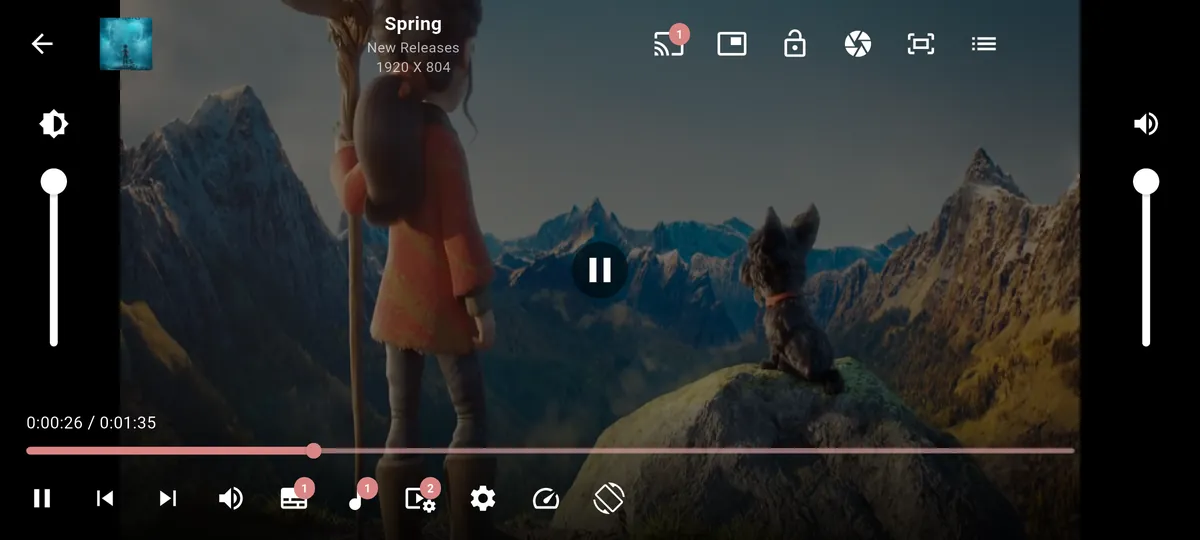
Cast with Chromecast & DLNA
Send what you're watching to the big screen in one tap.
- Chromecast and TVs with Chromecast built-in
- DLNA smart TVs and media players
- Control DLNA playback from your phone: play, pause, seek and volume
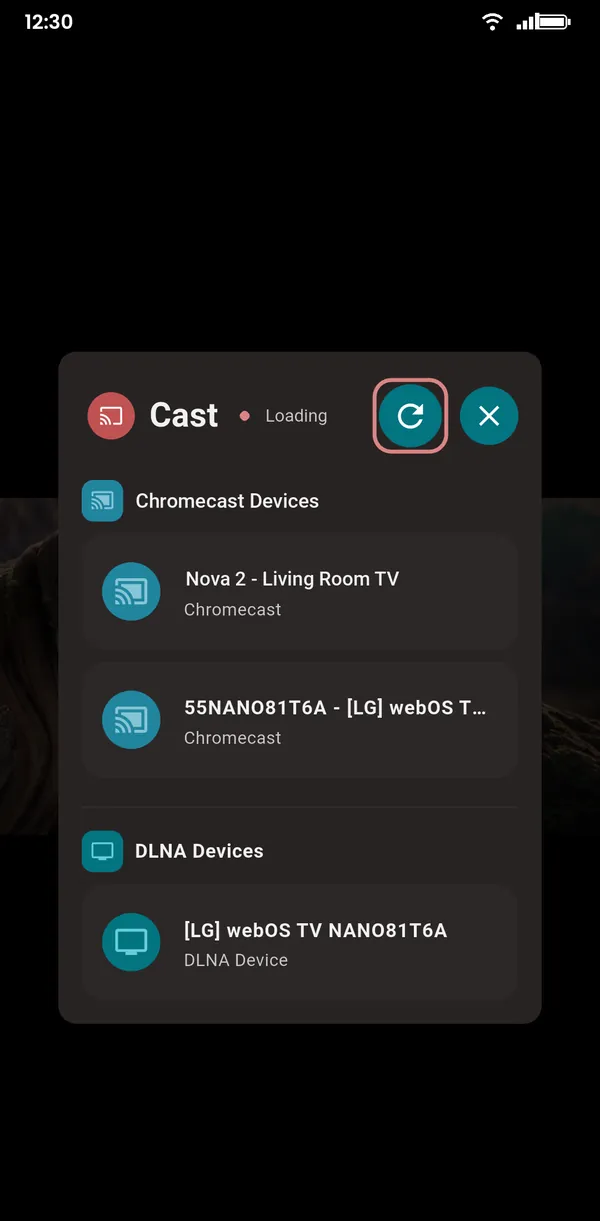
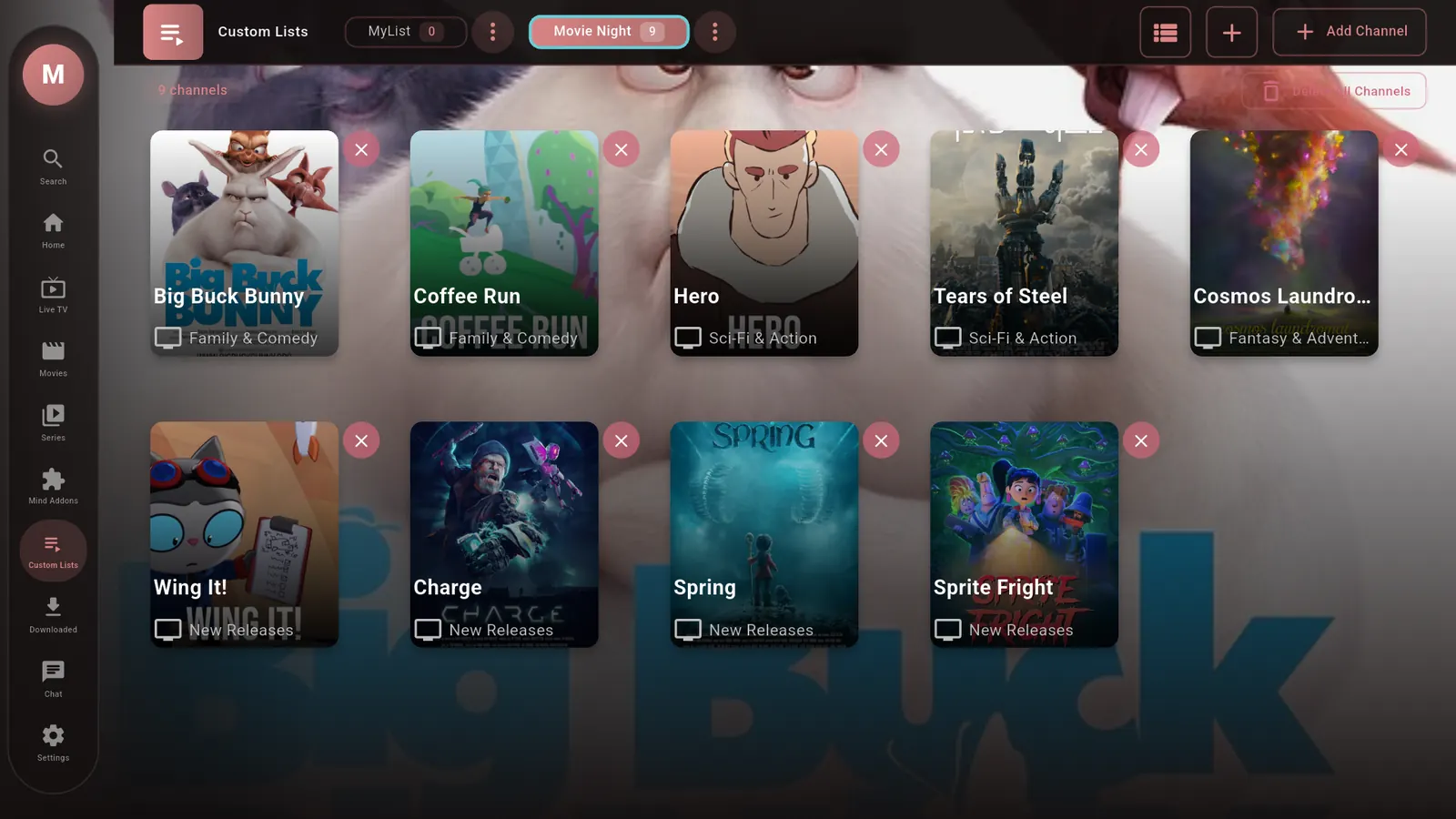
Your own custom lists
Group channels, movies and series the way you like: movie night, kids, sports, news.
- Mix channels, movies and series in one list
- Your lists right on the home screen
- Unlimited lists and group hiding with Premium
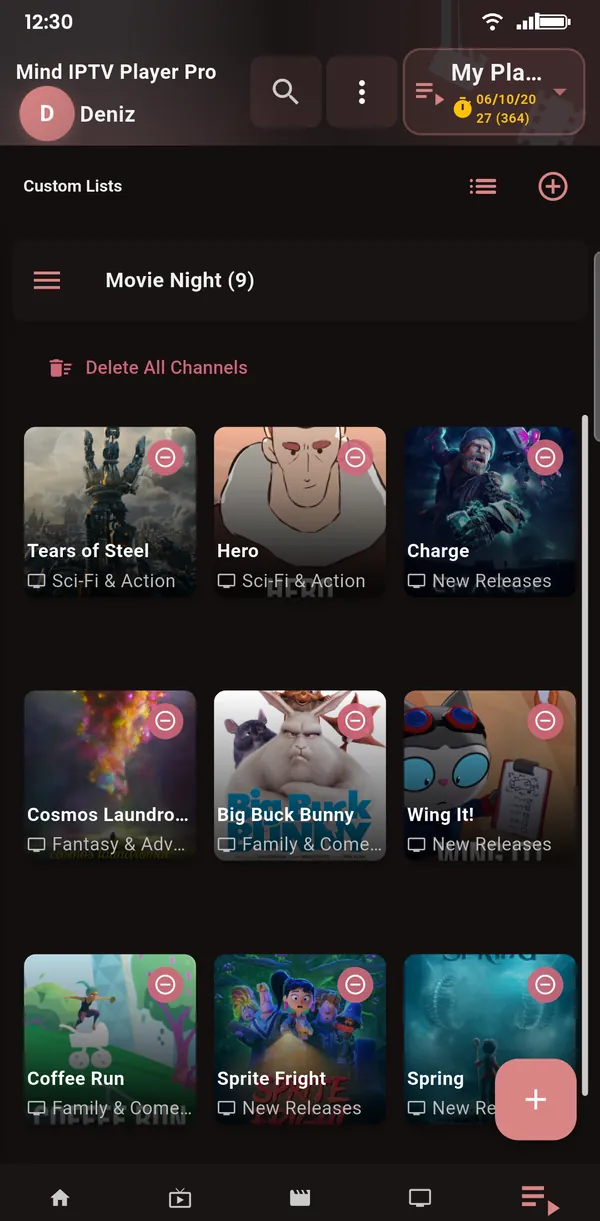
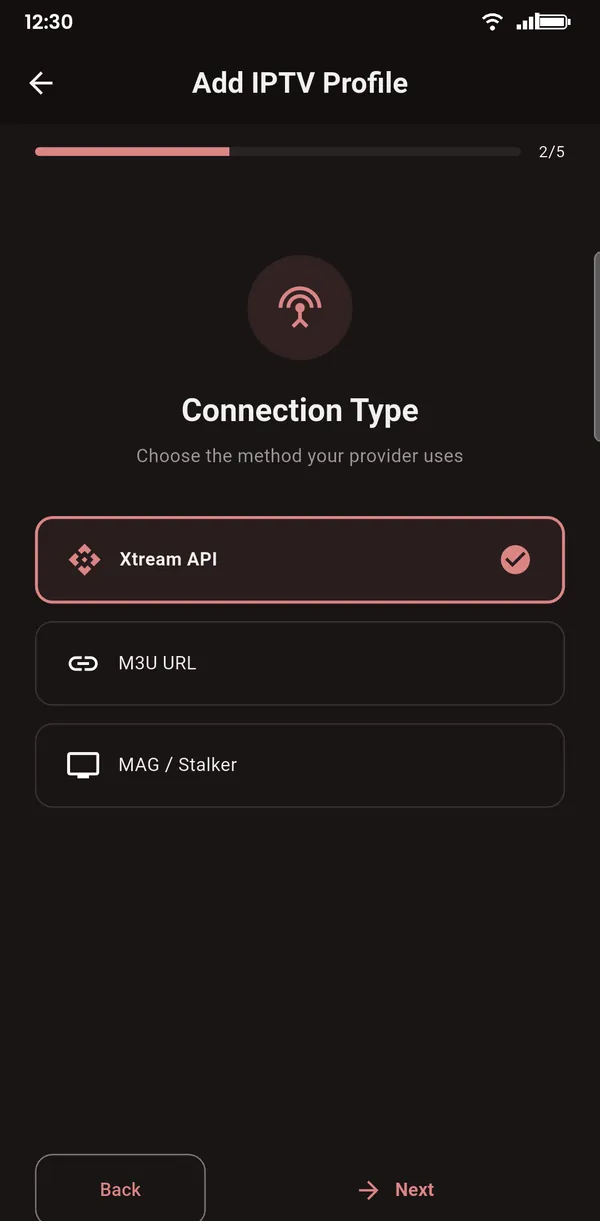
Add your playlist: M3U, Xtream or MAG
Use the playlist you get from your IPTV provider. Setup takes about a minute.
- M3U / M3U8 link
- Xtream Codes API: server, username, password
- MAG / Stalker portal
- Multiple playlists, fast even with hundreds of thousands of channels
- On TV, scan the QR code and fill in the form on your phone
Made for the big screen
Every screen is designed for the remote, from the home screen to the player.
And much more
Favorites
Your favorite channels are one tap away.
Catch-up
Watch past programs when your provider supports it.
Multiple playlists
Add several playlists and switch between them.
Fast search
Finds what you need, even in very large playlists.
Adult content filter
Keep adult groups out of sight.
Proxy support
Route playlists and streams through your own HTTP proxy.
10 languages
English, Turkish, Spanish, Portuguese, Russian, Arabic, Hindi, Bengali, Japanese and Chinese.
Google backup
Back up your settings and lists to your Google account (Premium).
Up and running in 3 steps
Install
Get Mind IPTV Player from Google Play on your phone, tablet or Android TV.
Add your playlist
Enter the M3U link, Xtream Codes login or MAG portal from your IPTV provider.
Watch
Live TV, movies and series on any screen, or cast them to your TV.
Frequently asked questions
Does Mind IPTV Player include channels?
No. Mind IPTV Player is a player only and contains no channels, movies or series. To use it, add your own playlist from your IPTV provider (an M3U link, Xtream Codes login or MAG portal). Use it only with content you have the right to watch.
Which playlist formats are supported?
M3U and M3U8 links, the Xtream Codes API (server, username and password) and MAG / Stalker portals. TV guide data is read in XMLTV (EPG) format.
Does it work on Android TV and TV boxes?
Yes. Mind IPTV Player has a dedicated interface for Android TV, Google TV and Android TV boxes, designed for the remote. On TV you can add your playlist by scanning a QR code with your phone.
Can I watch on my TV from my phone?
Yes. Cast to Chromecast and TVs with Chromecast built-in, or send to DLNA smart TVs and media players and control playback from your phone.
Is it free?
Mind IPTV Player is free to download and its core viewing features are free, with ads. Premium is an optional in-app subscription that removes ads and unlocks extra features. Mind IPTV Player Pro is a separate app you buy once, with everything included.
How can I contact you?
Write to mindiptvplayer@gmail.com with your questions and suggestions.
Your playlists, on every screen
Free on Google Play for phone, tablet and Android TV.